Guide · 3 stepsGuide · 3 stepsGuide · 3 steps
Connect WHOOP to Apple Health or Health Connect
Which phone do you use?
We'll show the steps for it. You can switch any time.
Steps for your iPhone Steps for your Android phone Which phone do you use?
Set by your Steps Club app Set by the link you opened Detected your iPhone Detected your Android phone Remembered from your last visit Saved for your next visit Showing iPhone · Showing Android ·
- iPhone
- Android 14+
- Android 9–13
- WHOOP 4.0
- WHOOP 5.0 / MG
Quick answer
Turn it on in WHOOP and allow Steps. iPhone: More › App Settings › Integrations › Apple Health. Android: More › Account & Settings › Integrations › Health Connect. Steps often arrive the next day.
On iPhone
On Android
Set it up
WHOOP counts steps on WHOOP 4.0, 5.0 and MG, with any membership. Update the WHOOP app first.
Android 13 and older: Health Connect is its own app there. Install or update it from the Play Store first.
- In WHOOP, tap More, then App Settings.
- Go to Integrations, then Apple Health, and tap Connect.
- Allow Steps, then tap Allow.
- In WHOOP, tap More, then Account & Settings.
- Go to Integrations, then Health Connect, and tap Set Up.
- Allow Steps.
On iPhone
WHOOP
Allow “WHOOP” to write
- Steps 3
- Workouts
- Sleep
On Android
WHOOP
Allowed to write
- Steps 3
- Exercise
- Sleep
- Resting heart rate
- Respiratory rate
On iPhone
To change what WHOOP shares later, open the Health app, tap your profile picture, then Apps (under Privacy), then WHOOP.
Reinstalled WHOOP? Set the connection up again: it doesn’t carry over.
When its steps arrive
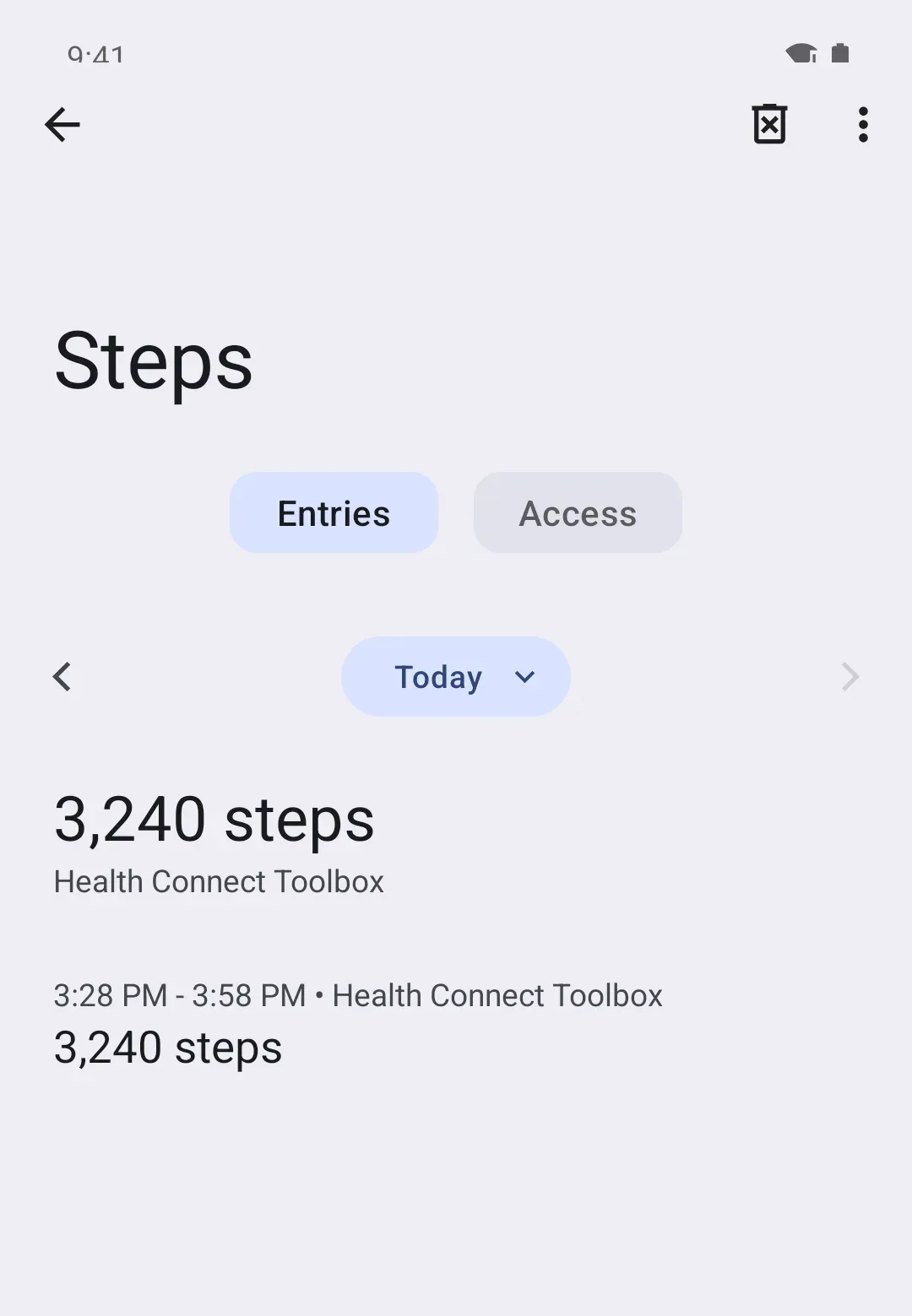
WHOOP often doesn’t send a day’s steps to Apple Health or Health Connect until the next day. So today can run low, or show nothing from WHOOP, while yesterday fills in. That’s normal, and there’s nothing to fix.
Should WHOOP or your phone come first?
Your phone counts steps too, and Apple Health and Health Connect keep only the count from whichever source is higher on your list.
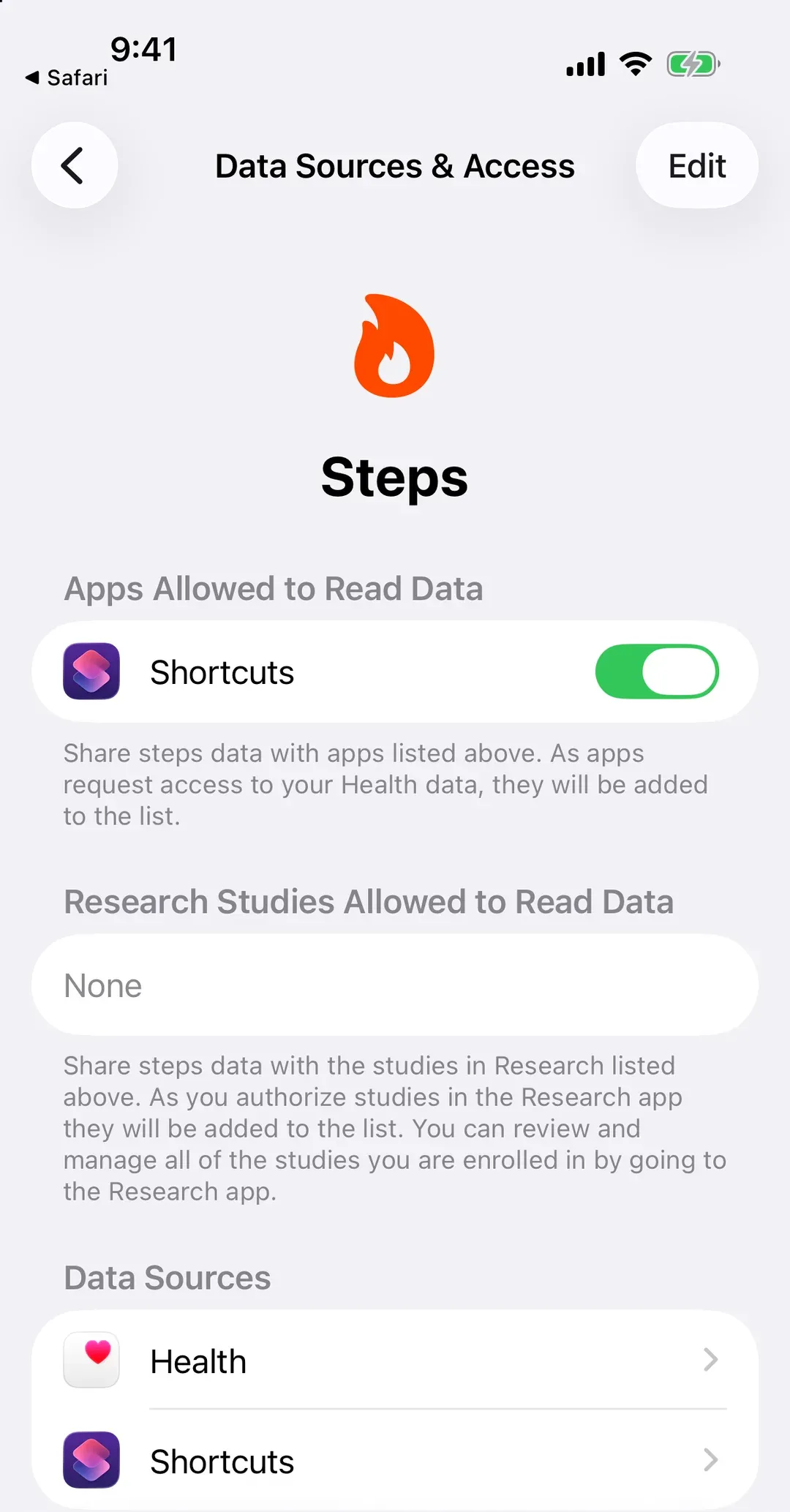
- iPhone: Health › Search › Activity › Steps › Data Sources & Access › Edit, then drag WHOOP where you want it.
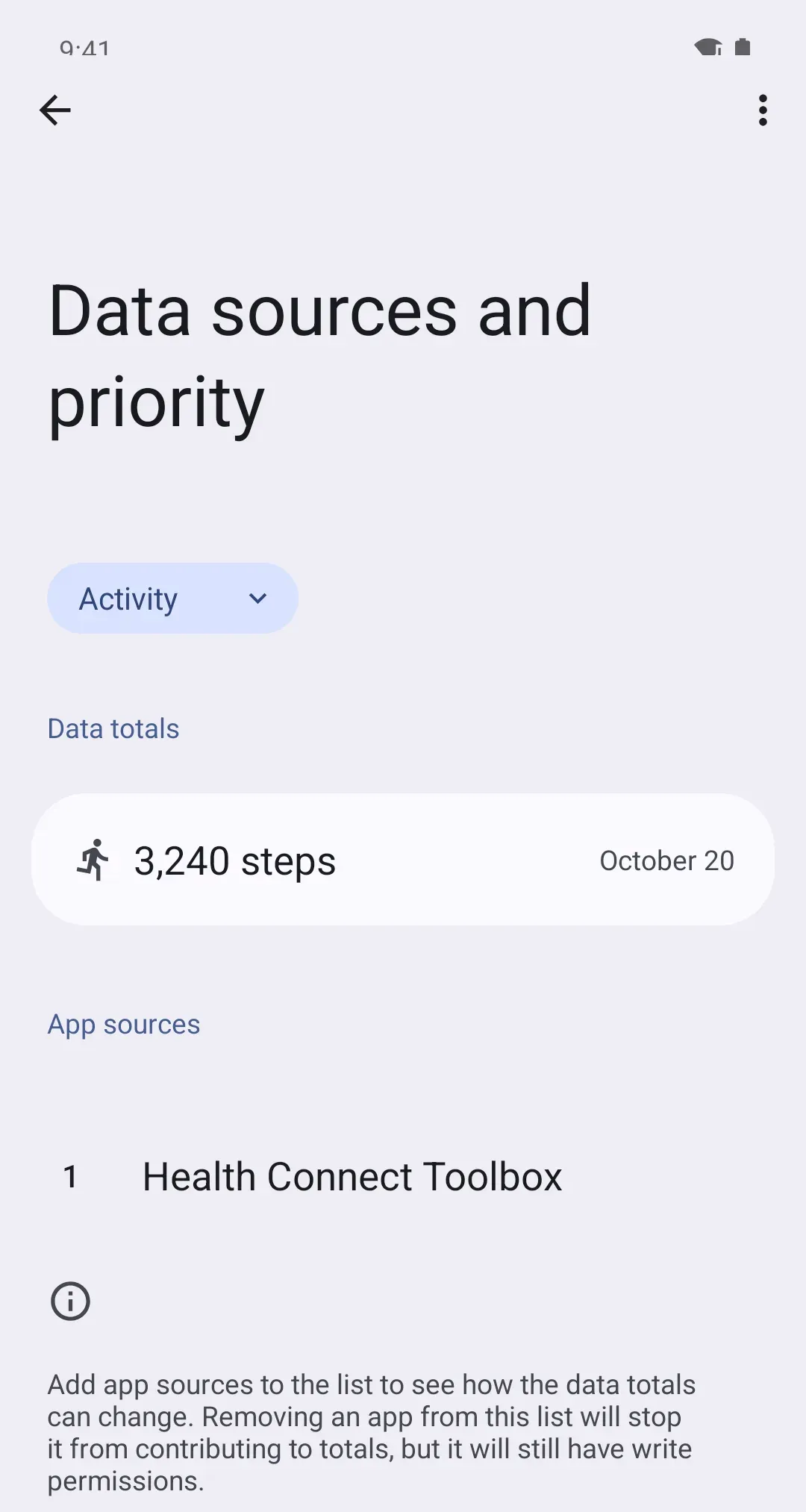
- Android: Health Connect › Manage data › Data sources and priority, choose Activity, then tap the three dots (⋮) next to WHOOP and Move up or Move down to where you want it. Android 13 and older: don’t see Manage data? Tap Data and access, then Activity, then App priority.
Either works. Today moves with your phone until WHOOP’s day arrives. Put WHOOP first and, once its day arrives, its count takes over, so yesterday’s number can change after the fact. Put your phone first and your phone’s count stays wherever both counted.
On iPhone
On Android
Things that trip people up
- Connected, but no steps. Sharing is chosen category by category. Check that Steps is on in WHOOP’s own integration settings, and in the permissions: on iPhone, Health › profile picture › Apps › WHOOP; on Android, Health Connect › App permissions (on Samsung phones, Your health apps) › WHOOP.
- WHOOP worn on the bicep. WHOOP’s step counting is tuned for your wrist, so a bicep or body-worn WHOOP can count fewer.
- It doesn’t match your phone. WHOOP is worn day and night and counts in its own way. A small gap is normal.
Why it works this way
WHOOP keeps your data in its own app and copies steps to Apple Health or Health Connect, the shared place on your phone. Its steps often land after the day is over, rather than through it. Every app that reads your steps from there, Steps Club included, sees WHOOP’s day only once it’s sent.