Guide · 3 stepsGuide · 3 stepsGuide · 3 steps
Connect Garmin Connect to Apple Health or Health Connect
Which phone do you use?
We'll show the steps for it. You can switch any time.
Steps for your iPhone Steps for your Android phone Which phone do you use?
Set by your Steps Club app Set by the link you opened Detected your iPhone Detected your Android phone Remembered from your last visit Saved for your next visit Showing iPhone · Showing Android ·
- iPhone
- Android 14+
- Android 9–13
- Garmin Connect
Quick answer
Turn on sharing and allow Steps. iPhone: Garmin Connect › More › Settings › Connected Apps › Apple Health. Android: Health Connect › App permissions (Samsung: Your health apps) › Garmin Connect. Then sync your watch.
On iPhone
On Android
Set it up
- In Garmin Connect, tap More, then Settings.
- Go to Connected Apps, then Apple Health.
- Tap Connect with Apple Health and allow Steps.
- Open Garmin Connect and go to its Settings.
- Find Health Connect.
- Allow Steps.
On iPhone
Garmin Connect
Allow “Garmin Connect” to write
- Steps 3
- Walking + Running Distance
- Flights Climbed
- Heart Rate
- Sleep
On Android
Garmin Connect
Allowed to write
- Steps 3
- Distance
- Floors climbed
- Heart rate
- Sleep
Then open Garmin Connect’s home screen and let your watch sync.
On iPhone
Turning it on or off later: in Health, tap your profile picture, then Apps (under Privacy), then Connect (that’s Garmin Connect), and turn Steps on. Tapped Don’t Allow the first time? Then start from Garmin Connect with the steps above. Once sharing is on, Health brings in up to two weeks of your past Garmin data.
Garmin Connect isn’t in the list at all? It won’t be if the only Garmin device on your account is an Edge bike computer.
On Android
Can’t find it in Garmin Connect? Its menus differ from phone to phone. Start from Health Connect instead: tap App permissions (on Samsung phones, Your health apps), then Garmin Connect, and allow Steps. Then open Garmin Connect and let your watch sync.
Android 13 and older: Health Connect is its own app there. Install or update it from the Play Store first.
When its steps arrive
After each watch sync. Your Garmin keeps steps on the watch until it syncs with Garmin Connect on your phone, then Garmin Connect passes them on.
On Android, Garmin Connect sends to Health Connect after each sync, and only sends: it never reads anything back.
Put Garmin Connect first
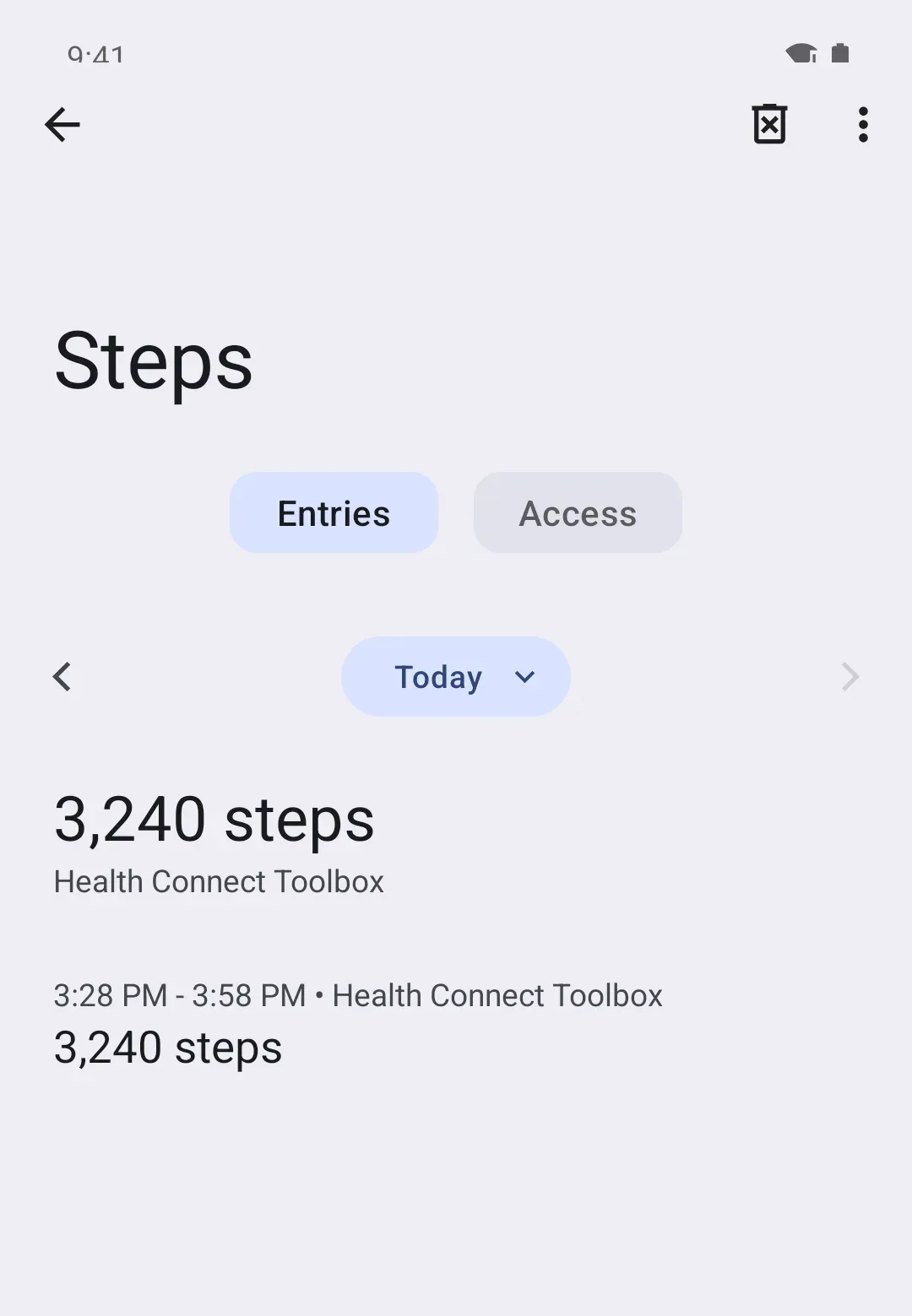
Your phone counts steps too, and Apple Health and Health Connect keep only the count from whichever source is higher on your list. On iPhone, Garmin says this is the likely reason its steps don’t show up with sharing on. Put Garmin Connect at the top.
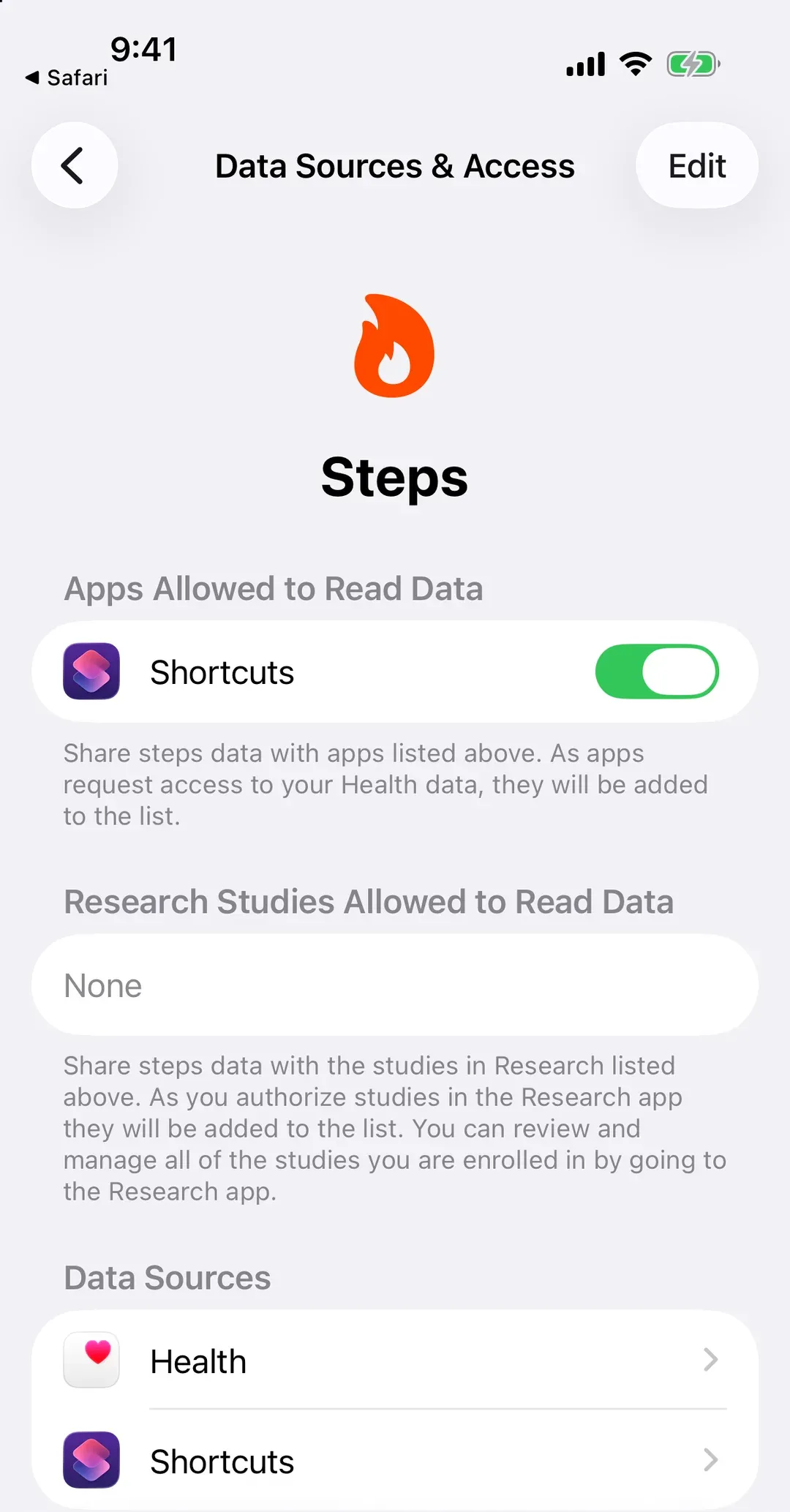
- iPhone: Health › Search › Activity › Steps › Data Sources & Access › Edit, then drag Connect (Garmin’s app, as Health lists it) to the top.
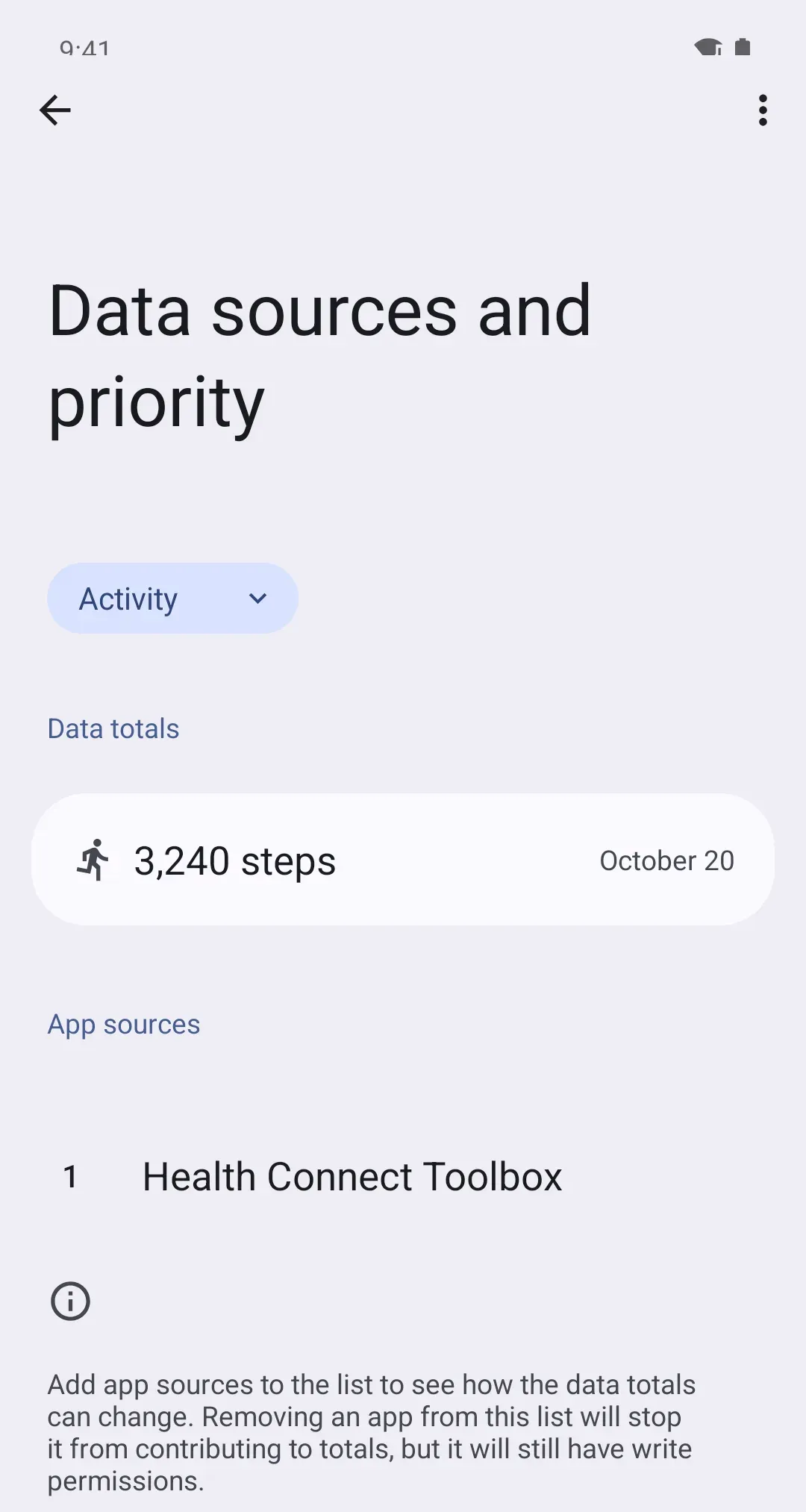
- Android: Health Connect › Manage data › Data sources and priority, choose Activity, then tap the three dots (⋮) next to Garmin Connect and Move up until it’s at the top. Android 13 and older: don’t see Manage data? Tap Data and access, then Activity, then App priority.
On iPhone
On Android
Things that trip people up
- Your Activity rings don’t move. Garmin says its data doesn’t fill Apple’s Activity rings. Garmin steps still reach Health’s step count, just not the rings.
- It’s a few hundred off. Garmin counts with your wrist’s motion, your phone with its own sensor. A small gap is normal: Why are my steps lower than my watch?
- Today is behind but yesterday is right. That’s a sync that hasn’t happened yet. Open Garmin Connect and let the watch sync.
Why it works this way
Garmin keeps your data in Garmin Connect first, then copies steps out to Apple Health or Health Connect, the shared place on your phone. On iPhone, Garmin Connect copies only while it’s on screen. That’s why a watch that syncs all day in the background can still leave Apple Health behind until you open the app.